
Access Azure Function App via OAuth 2.0 authentication
Access Azure Function App via OAuth 2.0 authentication
This isguide aexplains guidehow to protect an Azure Function executionsApp usingwith OAuthMicrosoft 2.0. So the execution of the code is not possible without ClientEntra ID and ClientSecret.call Thisit allowsusing a muchbearer moretoken.
The authenticationrecommended thanmodern justapproach usingis to use App Service / Function Authentication with Microsoft Entra ID instead of relying only on function codeskeys.
Goal
Protect HTTP-triggered Azure Functions so that only callers with a valid Microsoft Entra access token can execute them.
Recommended approach
Use:
Authorization Avoid older patterns that rely on exchanging a token via /.auth/login/aad unless you have a specific legacy reason.
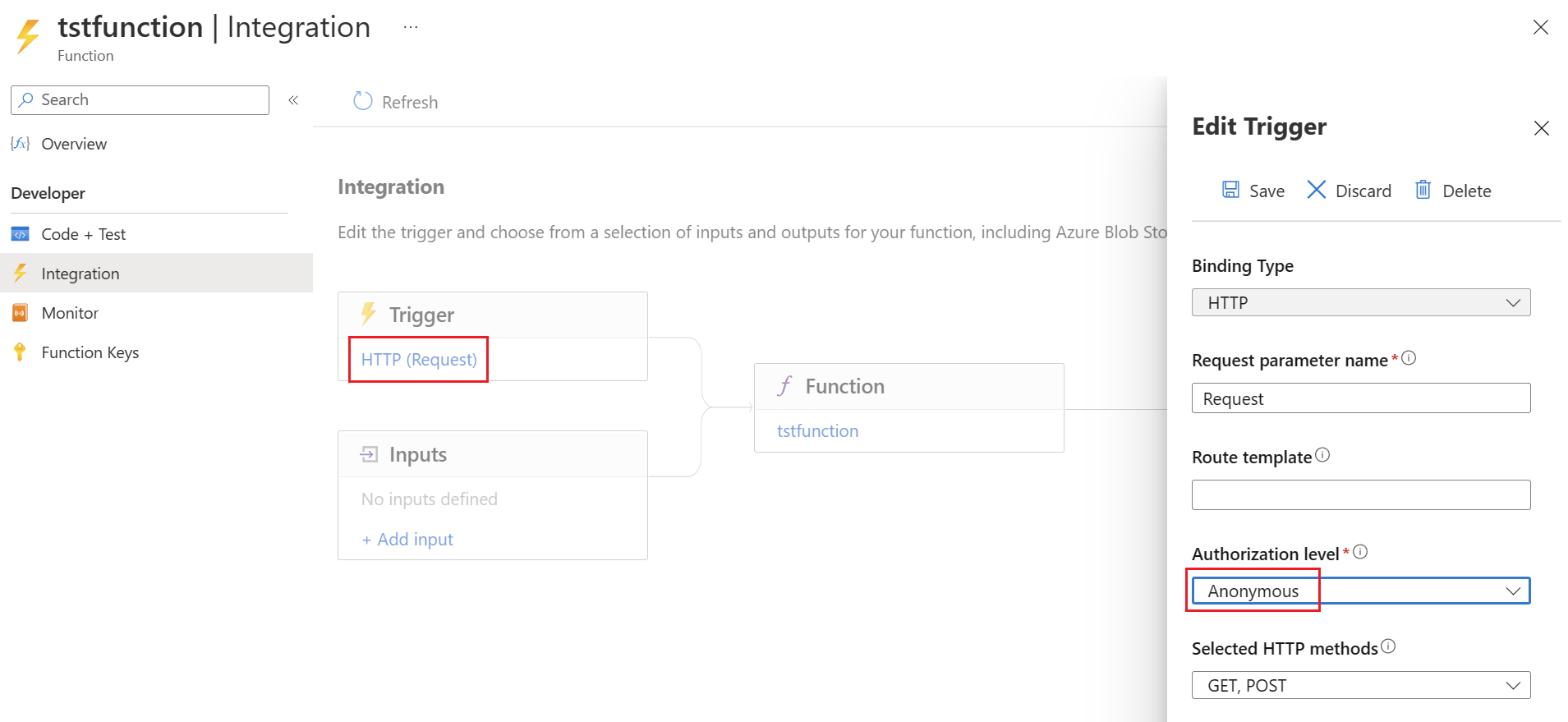
Disable authentication
To use the function with OAuth 2.0, the
Configure authentication on the functionFunction itselfApp
In firstAzure bePortal:
Identity provider
Then a new
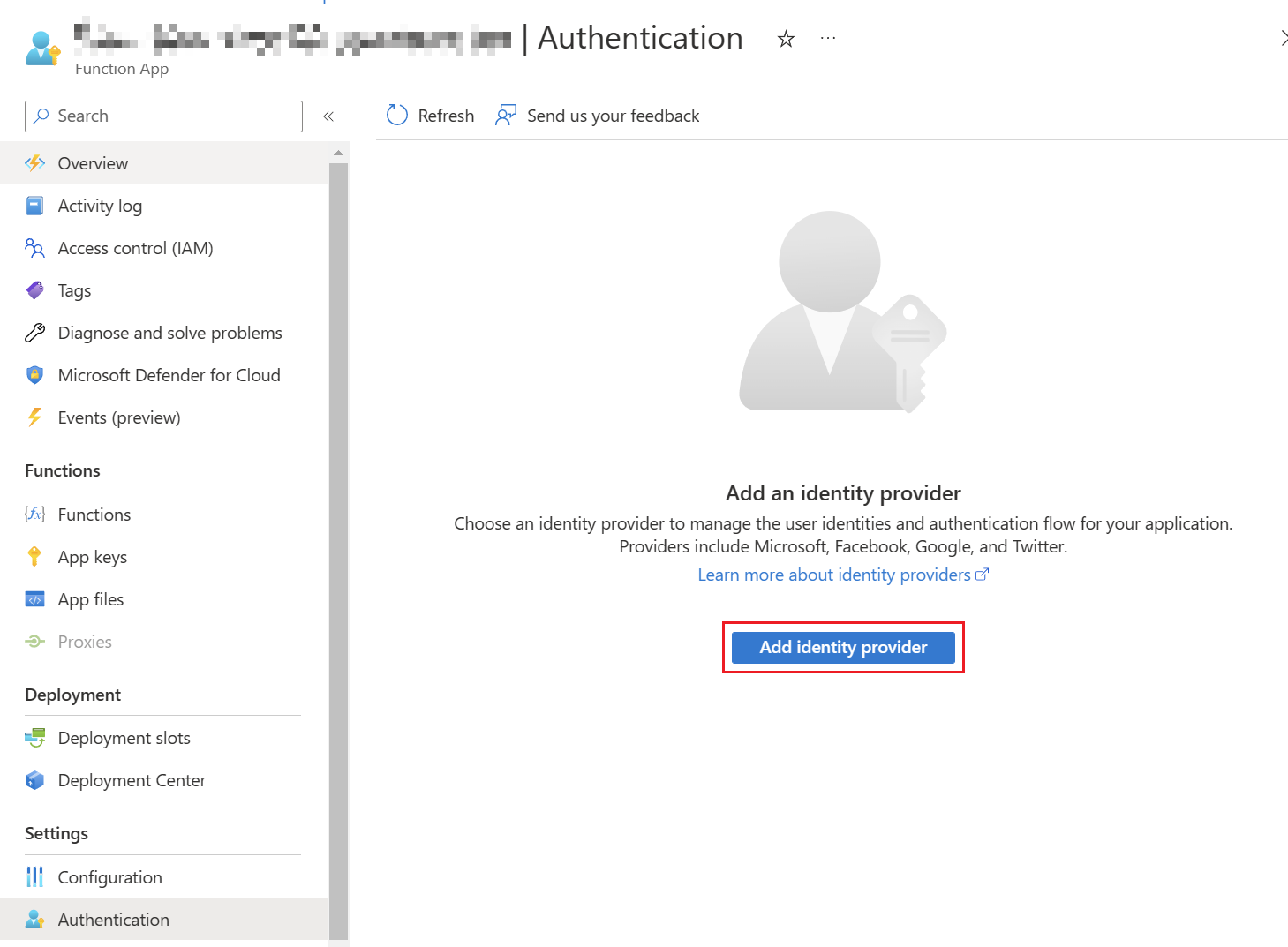
There you have to select "Microsoft" as the identity provider. There you can decide if you want to use an existing App Registration

It is also recommended to send a 401 Unauthorized Response for incorrectly authenticated requests.
Afterwards, thean app registration
App registration considerations
For the tokenprotected handlingAPI worksapp properly. To adjust the URL, the identity provider must be adjusted using "Edit".registration:
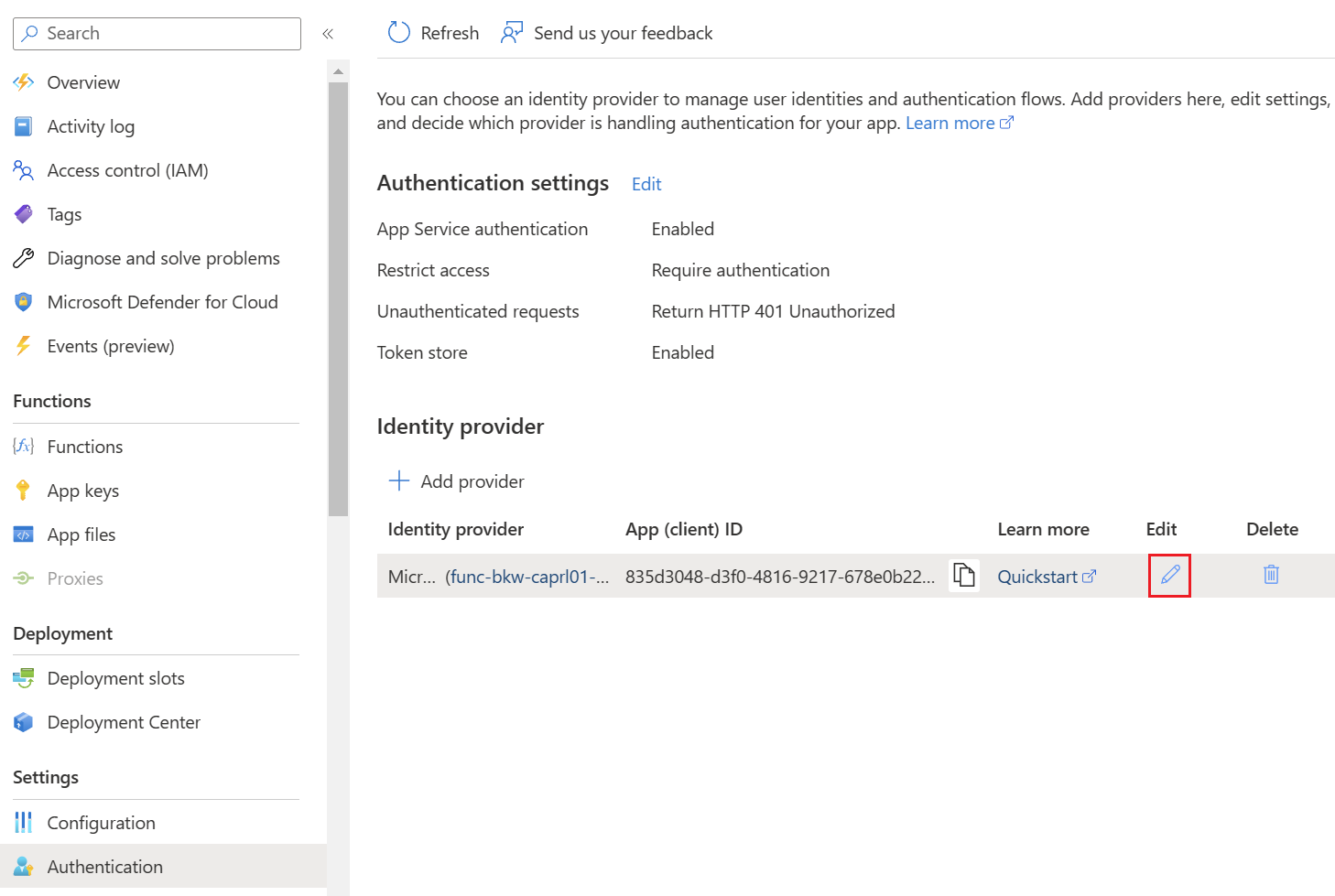
The
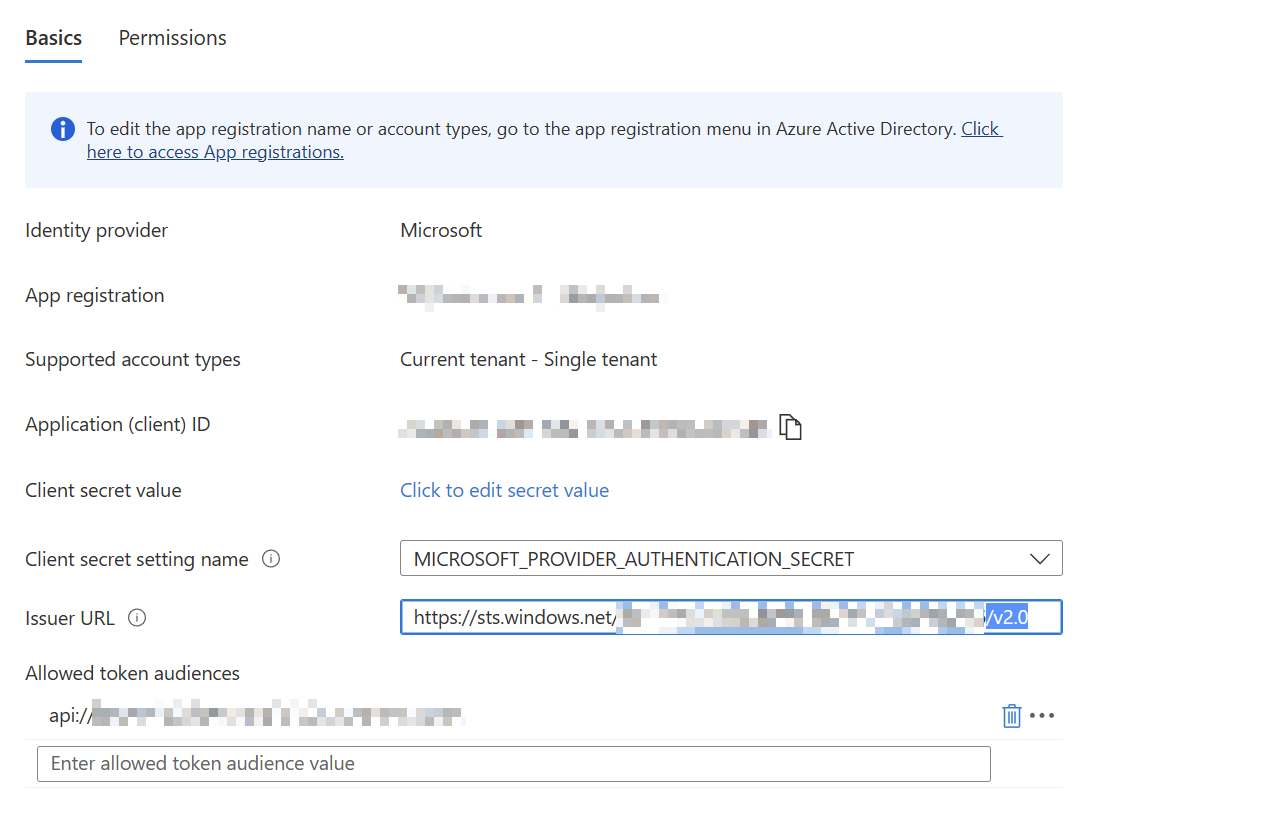
Authenticationis viarequired
Thendaemon-to-function PowerShellaccess canis berequired, useduse toapplication authenticatepermissions against the/ app registration.roles Theas Appneeded
Example hasaudience:
api://<function-app-client-id>
toExample: allget Azurebearer Functionstoken inwith theclient Azure Function App.credentials
$TenantId     = "<yourtenantidtenant-id>"
$ClientIDClientId     = "<yourclientidcaller-app-client-id>"
$ClientSecret = "<yourclientsecretcaller-app-client-secret>"
$FunctionAppId = "<yourfunctionappid>"
$FunctionApiAuthUrl = "$functionuri/.auth/login/aad"
$functionapi = "/api/HttpTrigger2"

# Authenticate against MEID to get access token with App Registration Client Secret
$Body = @{
    "tenant" = "$TenantId"
    "client_id" = "$ClientID"
    "scope"Scope        = "api://$functionappid/<function-app-client-id>/.default"

"grant_type"$TokenBody = @{
    client_id     = $ClientId
    client_secret = $ClientSecret
    scope         = $Scope
    grant_type    = "client_credentials"
"client_secret"}

$Token = $ClientSecretInvoke-RestMethod }`
    $Params-Method =POST @{`
    "Uri" =-Uri "https://login.microsoftonline.com/$TenantId/oauth2/v2.0/token" "Method"`
    = "Post"
    "Body" =-Body $BodyTokenBody "ContentType"`
    =-ContentType "application/x-www-form-urlencoded"
}

$AuthResponse = Invoke-RestMethod @Params
Function
Best executionpractices
Theauthentication secondglobally
#protected AuthenticateAPI againstapp functionregistrationSummary
For $AuthResponse.access_token
}
$functionToken = Invoke-RestMethod -Method POST -Uri $FunctionApiAuthUrl -Body (ConvertTo-Json $FunctionAuthBody) -ContentType "application/json"
$Header = @{
"X-ZUMO-AUTH" = $functionToken.authenticationToken
}
# Runsecure Azure Function access in enterprise environments, protect the Function App with OAuth2.0Microsoft TokenEntra Authenticationauthentication Invoke-RestMethodand -Methodrequire POSTvalid -Uribearer $functionuri$functionapitokens.