Requirements: Basic knowledge of HTTP REST communication
### Basics Microsoft Graph Explorer is a web-based tool to learn and test specific Graph API queries. [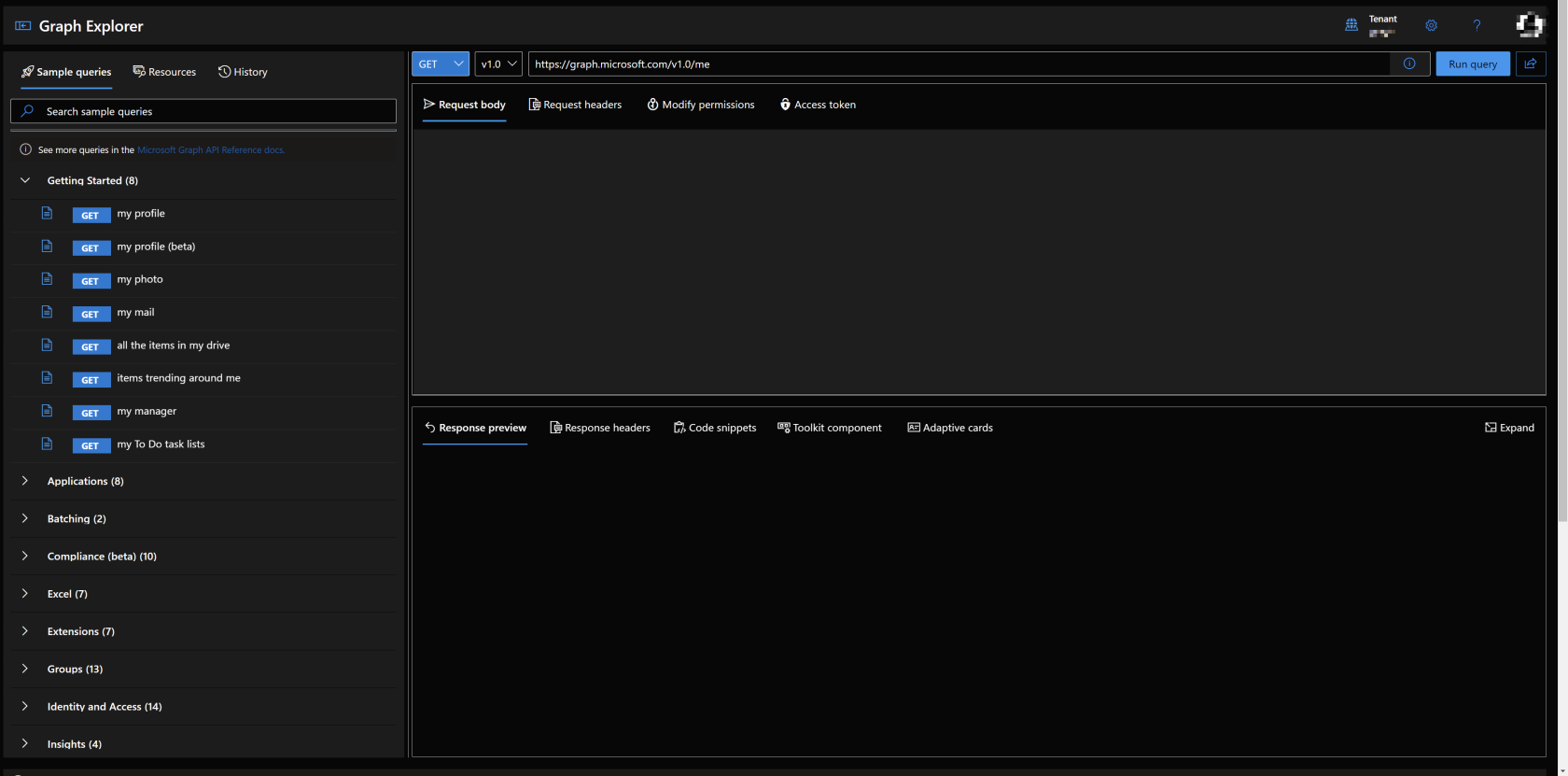](https://docs.lucanoahcaprez.ch/uploads/images/gallery/2022-12/6vBimage.png) #### Resource Links Microsoft Graph Documentation: [https://learn.microsoft.com/en-us/graph/api/overview](https://learn.microsoft.com/en-us/graph/api/overview) Microsoft Graph Explorer: [https://developer.microsoft.com/en-us/graph/graph-explorer](https://developer.microsoft.com/en-us/graph/graph-explorer) ### URL-Explanation Protocol: The protocol defines on which Port the Request ist performed. Microsoft Graph only allows REST calls over HTTP with appropriate security (https:// over port 443). Host: The Host sits between the protocol and the first slash ("/"). Hosts can be represented by IP Adress (e.g., 127.0.0.1) or Hostnames (graph.microsoft.com). Route: API Routes are defined between the end of the top-level domain (e.g., .com) and the question mark ("?"). The route defines which path the program on the server should take and on which element it should perform the search or action. Queries: URL queries are Located behind the question mark ("?") in the URL and are at the end of the whole URL. [](https://docs.lucanoahcaprez.ch/uploads/images/gallery/2022-12/Di9image.png) ### Method selection GET: Get specific or general information via JSON output object(s). POST: Submit some information via JSON, URL Encoded, XML, etc. and trigger some actions on the server. Returned values contains errors or success information and supports general information as well. PATCH: Update some information on the server side from a client action. You must provide a object that gets updated and the content to which the object should be updated. (e.g., display name of some policy) PUT: Submit informations to a backend and don't get a response back. DELETE: Delete object on specific path. Provide object which needs to be deleted, ether in URL itself or via body. [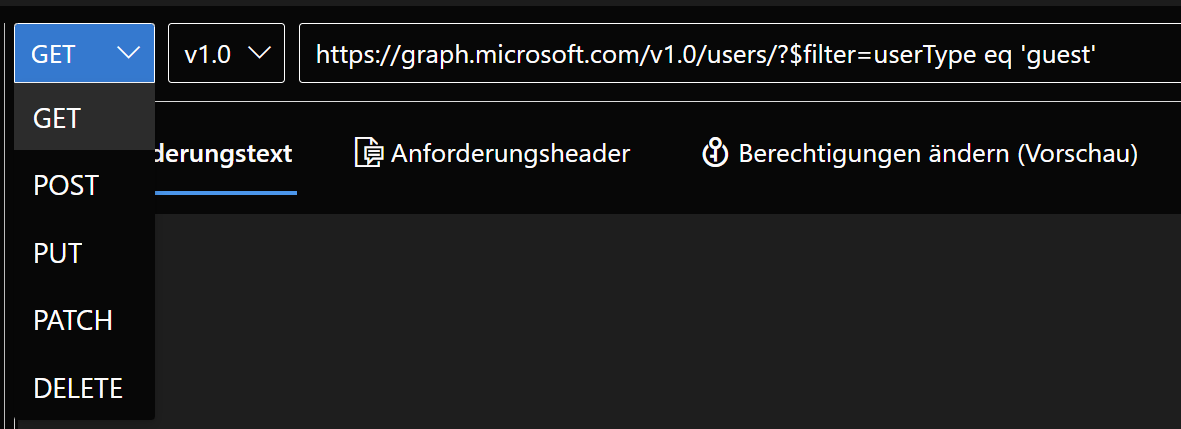](https://docs.lucanoahcaprez.ch/uploads/images/gallery/2022-12/bbUimage.png)